7.1. Layer 1: Online conversion tracking (Insight Tag + URLs)
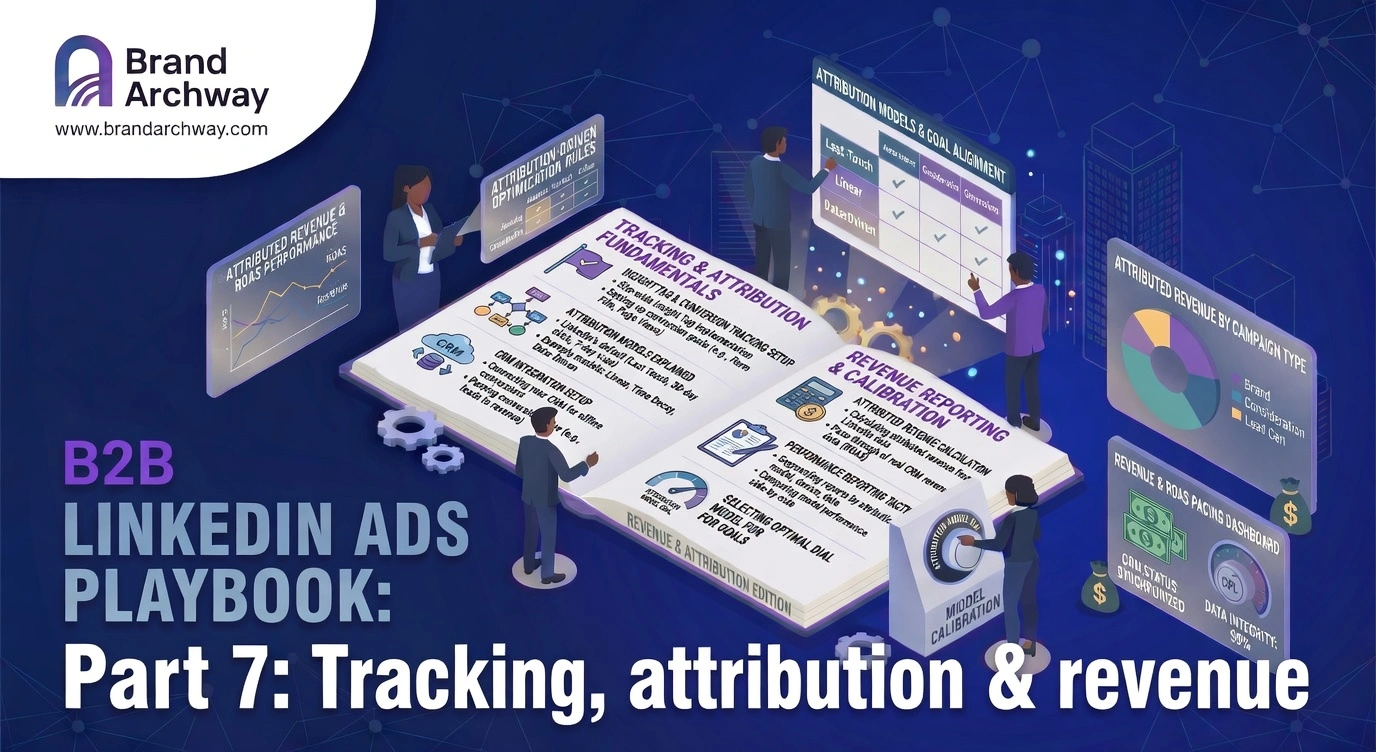
Use the Insight Tag to track demo or consultation requests, key pages (pricing, solutions, product variants), and content downloads or event registrations. In Campaign Manager, create conversions with URL rules (e.g. URL contains /thank-you-demo) and reasonable windows (e.g. 30-day click, 7-day view). This gives LinkedIn clear success signals and basic CPL / CPA information.
7.2. Layer 2: Offline & CRM conversions (Conversion API)
For serious B2B marketing you want to track qualified opportunities, closed-won deals, and optionally SAL / SQL stages. Use LinkedIn's Conversion API or native integrations with HubSpot, Salesforce, or Zapier connected to your CRM. This is where you see which campaigns and audiences actually produce revenue, not just leads.
7.3. Layer 3: Revenue analytics & company-level attribution
Once you're investing a meaningful monthly budget, turn on LinkedIn Revenue Analytics via Business Manager. You'll see which companies saw your ads, which engaged, and which became leads and customers weeks later. Especially valuable for ABM lists, strategic accounts and long sales cycles. Decide in advance what counts as your "source of truth" to avoid double-counting.
Want this built inside your own team? Request a free marketing check.